Is it possible to disable this behavior? Or at least remove the collectable manually? I would like to track the larger stories Im currently reading, but I dont want to clutter this new section with sets that just have multiple distinct stories. To me that just reintroduces the origonal issue of in progress books getting burried (plus if Im not reading a book it pushes my tracked stories down)
Edit: Ive also only read the first free story. So am I now just stuck with the “1 paused” notice forever?
This was a “quality of life” addition I put in, because you may accidentally start tracking the first story in a boxset, and chances are what you wanted to do was the whole boxset. I think it’s good to have it there, people are much less likely to dip in and only do the first story.
That first story is only 2 pages so I’d argue you didn’t need to use this feature at all, it seems like it was totally not fit for what you were using it for?
As for it being in “paused” forever - just go into your diary, into the “In Progress” area, find the paused item and delete it. It’ll stay “completed”, but it will no longer be tracked.
(Note that if I ever do add Streaks, it will not be necessary to track the progress of every little thing just to get a streak! Completing something the old fashioned way will still count!)
I mean I agree? I didnt want to track a set just complete one story. But the thing is Im also reading full books which take at least a few days.
When you’re reading an anthology, you’re (probably) completing stories very quickly so the anthology stays near the top of your tracked sets. But when reading a book or especially a book series it can fall pretty far down the list even though its a story/set you’re actively engaging with.
It sounds like we’re in agreement that its weird that 2 page story was automatically tracked with this feature (especially with no way to remove it), but it sounds like you’re suggesting to just disable the feature entierly?
Could you elaborate? The thing being tracked was a collectable and not a story, and I dont see a complete button in the new UI.
I could complete the individual stories, however I haven’t actually completed them. Sure this is a really weird use case (even for me), but generally speaking I just personally dont want anthologies or story sets tracked with this feture but I do want individual books/audiobooks. There also may be cases where you own most but not all stories, like Time Lord Fairy Tales with The Emperor Dalek’s New Clothes[1]
It sounds like you’re describing a button that does exactly what I was looking for, but Im just missing it.
i dont actually know if this is tracked with this feature, just an example ↩︎
If you just want to mark something as completed, and don’t need to track it or the collectable it comes from, just click the “mark as completed” button:
Not sure if you’re aware (since it behaves how I’ld expect but not how you describe), but thise buttons do actually mark the story itself as completed rather than just completing the tracking and removing it from the new in progress tracker:
At no point did I click the “start reading” button, or initiate any of this (at least not knowingly)
Instead I read the story and went to mark it as complete. Since the old UI to do that has been replaced, I clicked this “Mark as Completed” button on that story:
When I went back to the homepage, it’s that action that automatically tracked the entire collectable. I just tested the circular button with the 2nd story and that also appeares to auto track the set with this new feature.
So its specifically the fact this is done automatically that was the issue. This is the same as what occasionally happens with sets, but in that case I can just untrack it so it isnt a big deal.
Weird, I’ll let you know if it comes up again. Maybe I got it in a weird state so it’s trying to re-track the progress now? I just re-tested completing that 2nd story with the circle button (making sure this was removed from my diary) and it didn’t track the collection.
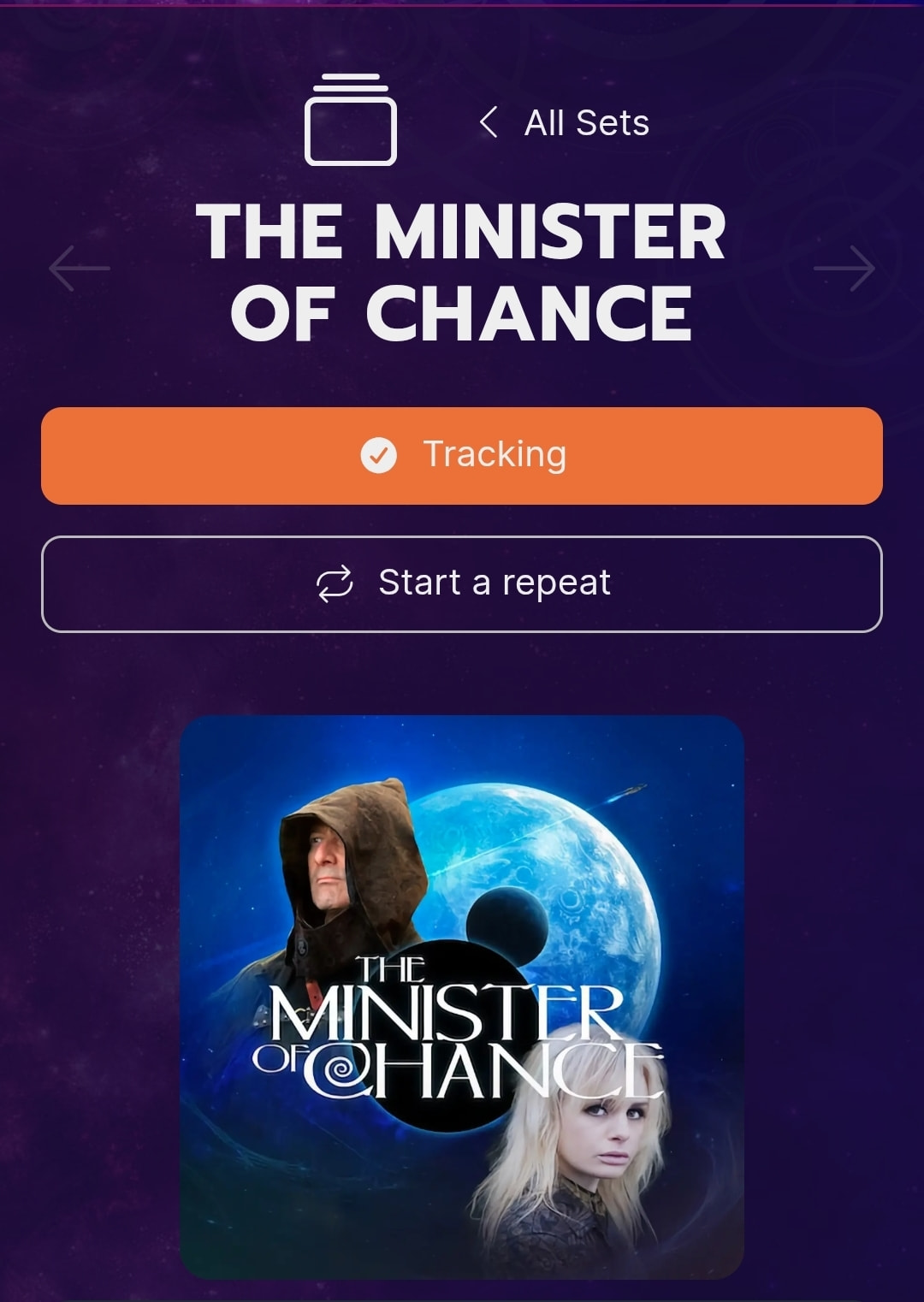
Something simmilar just happened where I tracked The Minister of Chance set and the first story in that set was automatically tracked by the “In Progress” feature.
The first image you posted shows your progress at 0%. So if you decided to track the set, as the second image would imply, then surely the first image is the natural consequence of deciding the track the set. The first story is ‘in progress’.
Sure, but I’ll often track a set I intend to do well before starting it. But mainly I think it’s weird to automatically use the new in progress feature when tracking a set, especially when its not a book. For example that story is 9 minites, and the others are like half an hour. and there’s no world where I wont finish those stories in one sitting each.
Another argument would be whats the point of the new in progress feature if every set is also tracked the old way imediatly bellow it? All the things like books you dont complete in one sitting will just get burried bellow the things you do that always show 0% complete
Ah you’re right, tracking a set should not be enough to trigger “in progress”. I’ve fixed that now.
To get rid of it just delete the progress item in your diary.
But for this point:
The two systems work together so as you complete stuff in one system, it does in both. So people can pick and choose their favourite way of tracking things.