I’ve just launched some new features on the forum that make it easier to link to stories, and make those links look much more interesting and useful.
You may need to refresh the forum in your browser to see these updates
Story Links
Something @Tian actually asked for a long time ago and I was not able to do at the time… thanks to the new API I have been able to build an easy way to find links to stories you’re talking about.
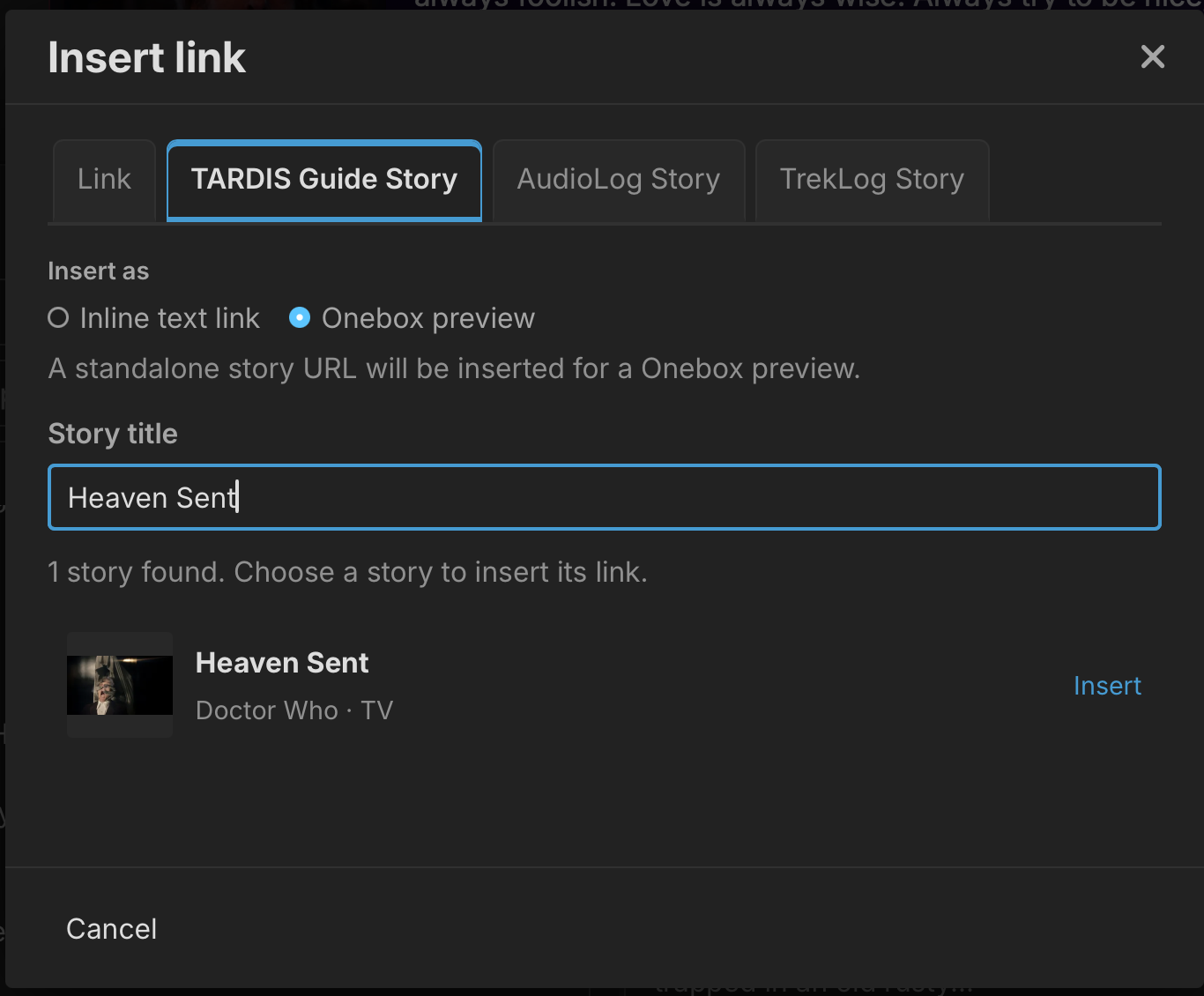
So for example if you’re saying you just watched Heaven Sent, you can highlight the text and then click the normal “Add Link” button and it now has extra tabs - one for each site. Click TARDIS Guide, it automatically does a search and you can click the story you want, and it will fill in the link. So it becomes:
I just watched Heaven Sent. Best episode ever!!!
That is just one way of doing it. You can also use it to embed a large link to a story. Just click the Add Link button, choose the site, type the name of the story and then put it in the page - it will go on its own line to create a large “OneBox”.
These work the same as before but are now styled much nicer, bringing me to the next update:
Better OneBox Previews
Previously it just used the default style preview which was pretty boring and didn’t show much info:
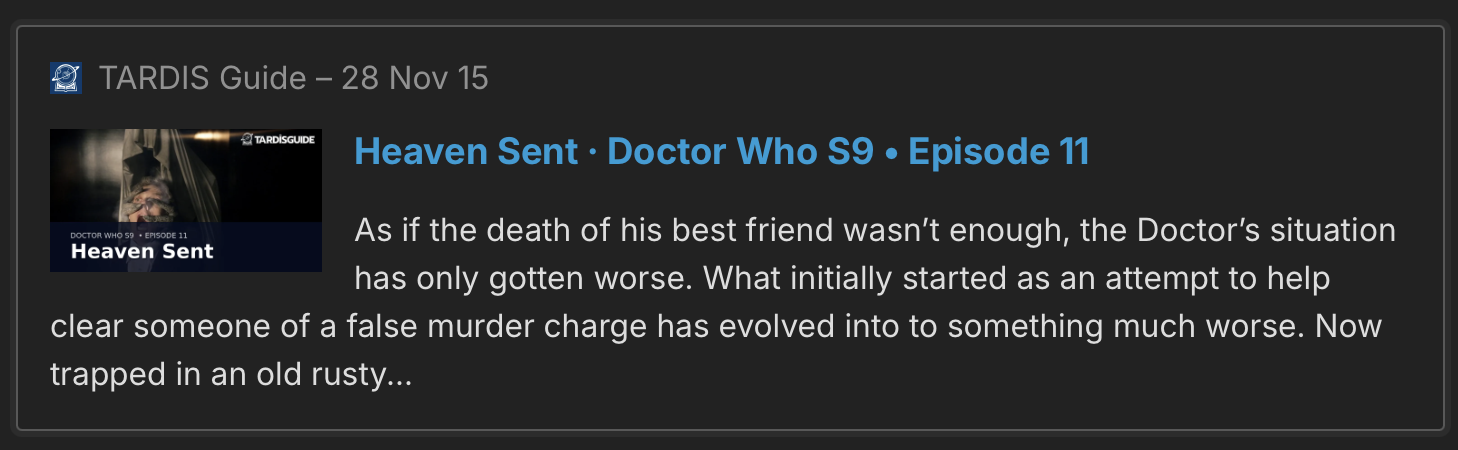
Now see how lovely it is!
There are also themed ones for each site:
Note that the forum can’t tell if you’ve completed it or not, and if you want to hide ratings or not, so by default all ratings are hidden - click to view
And better OneBoxes for badges, Playlists, Quotes, Collectables, Sets! Have a try at those.
Enjoy linking!